Most IT teams already run the digital side well. ITSM platforms manage the request. Asset registers and CMDBs hold the device record. MDM tools handle enrolment and compliance. The part that keeps slipping is the physical exchange: the moment a laptop moves from IT to an employee, or back the other way. That handover usually happens outside every system the team relies on, and it is where collections, returns and swaps quietly come undone.
Why IT equipment handovers become unreliable
On paper the process looks simple. An employee has a faulty laptop, IT prepares a replacement, the user collects it, the old one comes back, the ticket closes. In practice it breaks down because the exchange is not controlled. A replacement gets issued before the asset register is updated. A faulty device comes back with no clear timestamp. A colleague collects kit on someone else's behalf. The ticket is marked resolved before the old device is returned.
None of this points to a careless team. It points to a weak handover process, and the small gaps compound:
- Temporary loan devices quietly become semi-permanent.
- IT cannot prove who collected what, or when.
- The asset register stops matching the physical reality.
That gap stays invisible until Q1 reconciliation, half-year reporting, an audit or a refresh plan, when finance starts asking where the devices went and why the records do not match.
The locker is the controlled exchange point
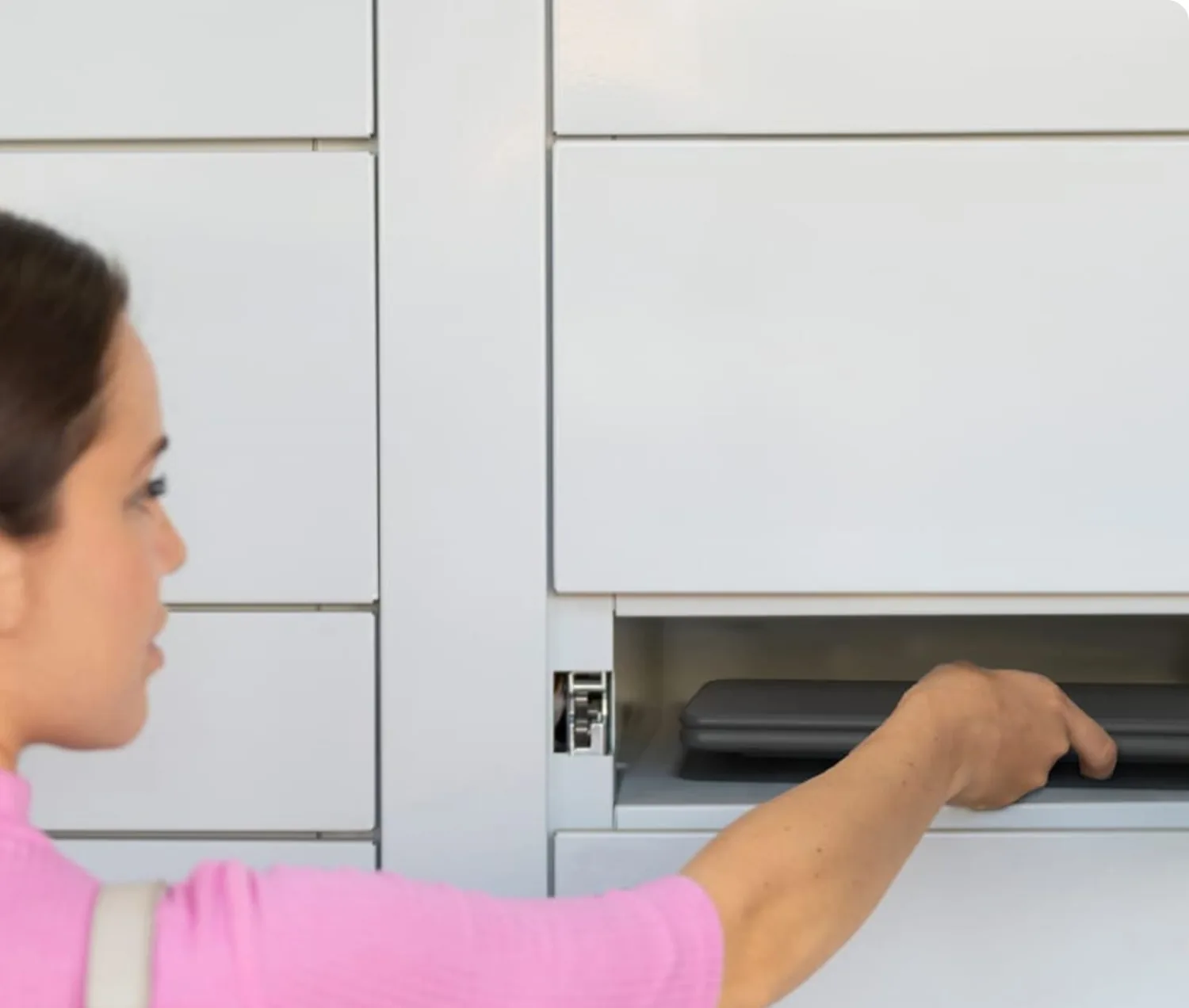
A locker workflow closes the gap between the support ticket and the movement of the device. Instead of handing a laptop across a desk or leaving it with reception, IT loads the device into a secure compartment and authorises the right person to collect it. The exchange now sits inside a system rather than around it, and the chain of custody becomes something you can read back.
Every step is recorded: which device was loaded, which compartment it went into, who was authorised, when they collected it, whether the old device came back, and which collections, returns or swaps are still outstanding. The locker is not storage. It is the point where custody changes hands and gets logged.
One workflow for collections, returns and swaps
The same controlled route handles the jobs IT runs every week. TechBar lockers support replacement laptop collection, faulty device return, peripheral pick-up, new starter equipment, refresh exchanges, out-of-hours collection and controlled returns during offboarding. IT prepares the device, places it in the locker, and the authorised user collects it at a time that suits them. Old or faulty kit goes back through the same process.
That matters most in hybrid and multi-site organisations, where employees are in two or three days a week and IT is not based in every building. A locker creates a local handover point so users can collect or return equipment where they actually are, without waiting for an engineer to be free or travelling to the main IT office.
- Fewer routine interruptions for the service desk, and more time for higher-value work.
- Faster access for employees when a laptop fails before a meeting or a new starter needs kit.
- Better control over returned assets across every site, on one workflow.
It strengthens your systems, it does not replace them
A locker does not replace ITSM, MDM or asset management. It strengthens the physical step those systems depend on but cannot see. The support request still lives in the ITSM platform, the device record in the asset system, the security posture in MDM. The locker evidences the exchange in between, so the ticket, the user, the issued device, the returned device and the asset record line up.
This does not have to be a heavy integration project on day one. The first step is usually to standardise how devices are issued and returned. Deeper ticketing and asset integrations can follow once the workflow is proven, which is what most corporate IT buyers want: a practical, low-risk improvement rather than a transformation programme. It also sits inside a wider connected ecosystem as the rest of the estate comes online.
Where to start
Q1 reconciliation is a good moment, because the gaps are already on the table. Rather than treating each missing device as a one-off, use the findings to justify a better process. The argument is short: device gaps are handover problems, not just asset problems. Map where collections, returns and swaps are creating delays or breaking the asset trail today, then pilot a TechBar diagnostic against that baseline. The better question is not "where did the devices go", but "how do we make every future exchange easier to complete, easier to prove and harder to lose track of".
